Peregrine field notes
A$150/mo Notion build vs A$735/mo enterprise CRM: the real cost breakdown
A line-by-line breakdown of replacing a ~A$735/month enterprise CRM stack with a ~A$150/month Notion build - roughly 4-5x cheaper before migration labour.
TL;DR
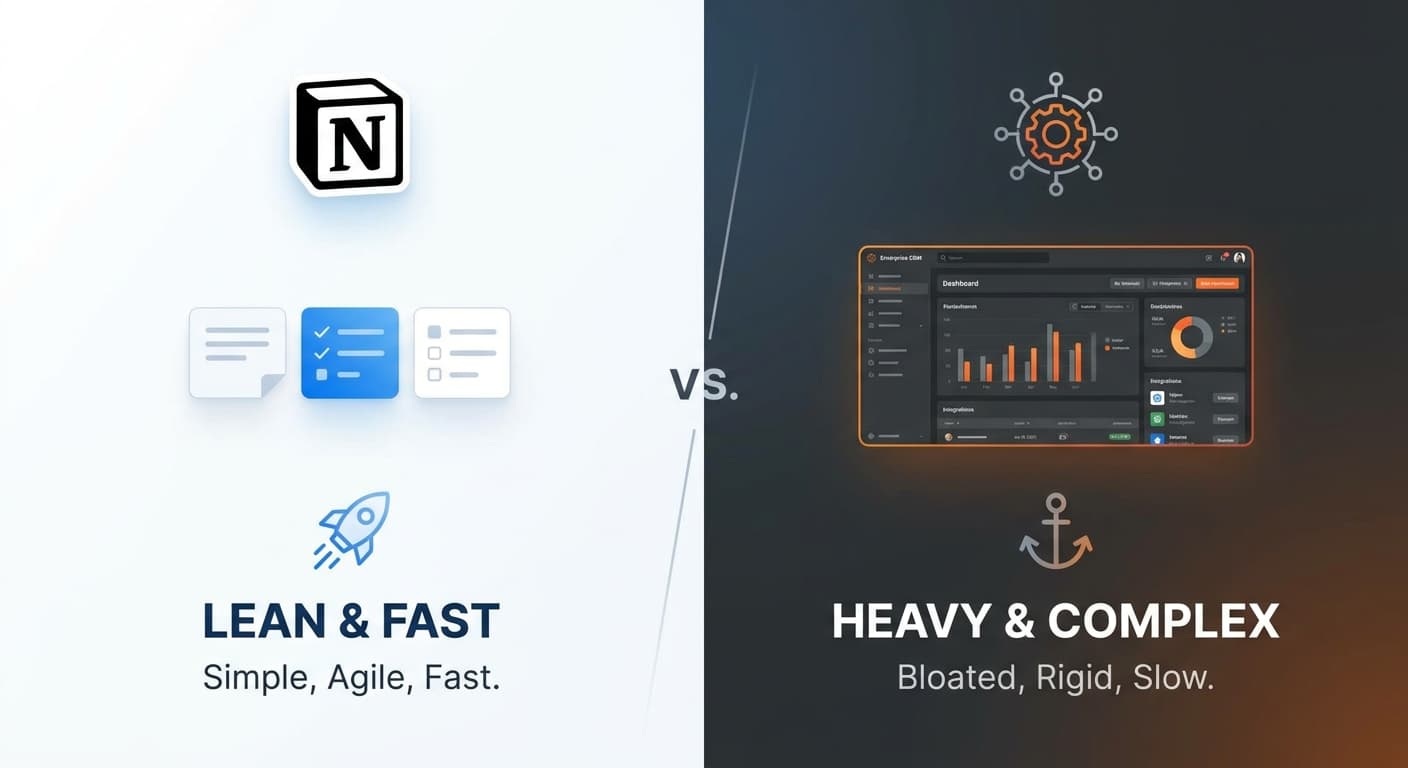
If you’re a small business paying for an “enterprise” CRM stack (for example Dynamics 365 + Power Automate + a customer portal + an AI add‑on), the software costs can add up quickly. In many cases, you can replace most of the day-to-day CRM workflow with a lean Notion build plus a couple of low-cost tools - often at a fraction of the monthly cost - while keeping the system easier to change.
This post breaks down a real-world style cost comparison and shows what you gain/lose with each approach.
The buyer question
What’s a cheaper alternative to Dynamics 365 / an enterprise CRM stack for a small business?
A practical alternative is:
- Notion as the CRM “system of record” (contacts, companies, deals, tasks, notes, pipeline)
- One automation layer (Make or Zapier) for integrations and follow-ups
- One lightweight “front door” for lead capture / client requests (forms + email/SMS)
For many SMBs, this replaces the need for:
- a full enterprise CRM licence for every user
- portal licensing
- low-code platform licences that scale per user/bot
The real cost breakdown
The exact totals depend on team size, region/currency, and which Dynamics modules you’re using. The figures below are expressed in AUD for Australian readers and should be treated as indicative only - your actual cost may differ based on discounts, bundles, and licensing mix - but the structure is what drives the blowout.
Table: typical “enterprise CRM stack” vs a lean Notion build
| Cost component | Enterprise stack (example) | Lean Notion build (example) |
|---|---|---|
| Core CRM licences | Dynamics 365 Sales is priced per user/month. Example budget: A$140-A$180 per user/month (varies by plan/partner pricing; use this as a planning range).[1] | Notion Business is priced per member/month. Example budget: A$25-A$40 per member/month depending on billing and pricing changes.[2] |
| Automation / workflow | Power Automate Premium is priced per user/month. Example budget: A$25-A$40 per user/month (often becomes a “second per-seat bill”).[3] | Make/Zapier style automation. Example budget: A$20-A$60 per month for a small team (depends on usage and ops). |
| Customer portal / external access | Power Pages has per‑website capacity pricing that can become a meaningful monthly line item as usage scales. Example budget: A$250-A$600+ per month depending on capacity.[4] | Often handled with simpler forms + email/SMS + a shared client page (no portal licence), or a lightweight portal tool if needed (often A$0-A$50/month depending on tool). |
| “AI layer” / assistants | Often another add-on line item depending on what’s enabled and your licensing | Notion AI/Agents are bundled at the plan level depending on plan + usage (varies by workspace setup).[2] |
| Implementation + change cost | Typically higher: configuration, security model, customisation, and ongoing admin work | Typically lower: simpler system, faster iteration, fewer moving parts |
Why the enterprise stack gets expensive (even before implementation)
- Per-seat licensing stacks up.
- “Light users” still need access.
Even if someone only needs to check a record or update a status, licensing rules can force you into extra seats or more complex licence mixes.
- The portal is a multiplier.
Portals don’t feel expensive until you model usage properly - then it becomes a second bill that scales with external traffic/users.[4]
- Change is slow and pricey.
When a small business needs the process to evolve (new pipeline stages, new intake forms, different follow-up logic), you’re often paying a partner or dedicating internal admin time to keep it aligned.
What a “A$150-ish/month Notion CRM build” usually includes
This is not “Notion as a DIY spreadsheet”. Done properly, you build:
- A CRM database: companies, contacts, deals, pipeline stages, notes, files
- Lead capture: web form → Notion, with tagging and source tracking
- Follow-up automation: route leads, schedule tasks, trigger emails/SMS, create reminders
- Simple reporting: pipeline value, lead sources, conversion rates, stage ageing
- Governance: permissions, templates, required fields, audit trail
What you don’t get by default (and how to handle it)
- Deep role-based security → define clear teamspace permissions and “what lives where”
- Complex customer portal experiences → use a dedicated portal tool only if you truly need it
- Heavily regulated workflows → treat this as a signal you may actually need an enterprise platform (or at least a hybrid)
Who this alternative is best for (and who it’s not)
Great fit if you’re:
- a 1-20 person service business
- trying to stop leads falling through cracks
- paying for features you’re not fully using
- wanting a system that can change weekly as you learn
Not a fit if you’re:
- doing complex enterprise account hierarchies with strict segregation
- needing advanced territory management and forecasting
- mandated to use Microsoft stack tools for compliance reasons
A simple decision checklist (fast)
Practical next step (Peregrine recommendation)
If you want a cheaper, simpler alternative without the DIY pain:
- We map your current CRM process (lead → quote → job → follow-up).
- We identify what’s essential vs “nice to have”.
- We build a lean Notion-based CRM that connects to the tools you already use (email, calendar, accounting, SMS).
- We automate the follow-ups so the system actually runs itself.
CTA: Book an Automation Audit - we’ll show you what you can cut, what you should keep, and what the “lean stack” would cost in your exact scenario.
About Peregrine Automations
Written by Peregrine Automations - we design and run done-for-you “invisible” automations for Australian small businesses (e.g., lead capture → CRM routing → automated follow-up → job handoff), so teams can stop losing time to manual admin.