Peregrine field notes
Lead Capture & Follow-Up Automation for Service Businesses
A practical, done-for-you framework to capture every enquiry and follow up automatically with SMS + email - so you respond faster and book more jobs.
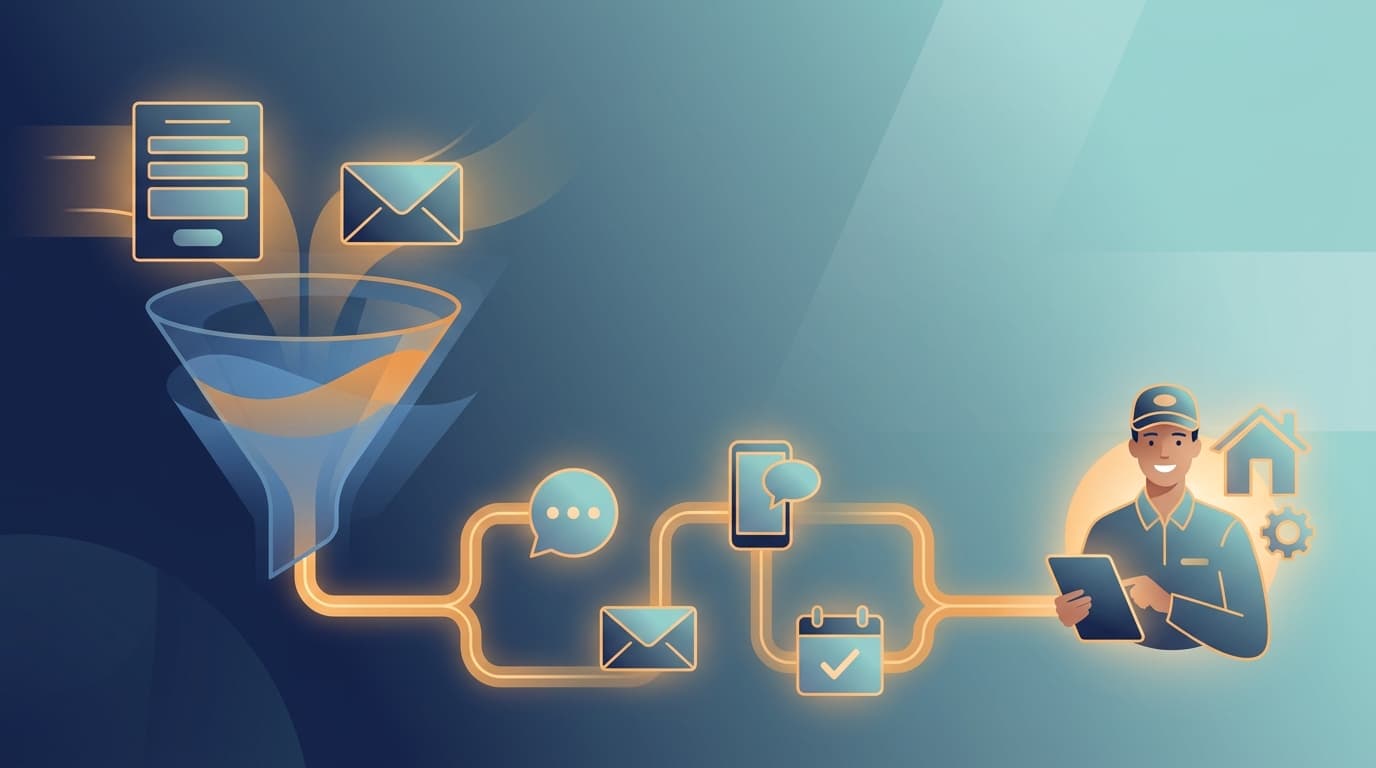
TL;DR: Service businesses win more jobs when they respond fast and follow up consistently. The easiest way to do that is to (1) capture every lead automatically, (2) respond in minutes (even after hours), and (3) run a simple multi-touch SMS + email follow-up sequence until the customer books or says no.
Why service businesses leak leads (and revenue)
Most service businesses don’t “lose” leads because they’re bad at the work - they lose them because:
- The enquiry lands in the wrong inbox (or gets missed on a busy day).
- Nobody replies quickly, so the customer books whoever responds first.
- Follow-up happens “when there’s time”, which means it often doesn’t happen at all.
- The same details get copied between tools (website → email → spreadsheet → CRM → calendar), creating delays and mistakes.
Automation fixes this by routing the lead instantly, sending the first response automatically, and scheduling reminders/next steps without relying on someone’s memory.
What “good” looks like: a simple Speed-to-Lead standard
Aim for these benchmarks:
- Instant capture (website forms, phone calls, Facebook/Google leads, email enquiries)
- First response in under 5 minutes (even if it’s an automated acknowledgement + next step)
- Follow-up sequence over the next 1-7 days (SMS + email), until the customer books or declines
Research consistently shows that contacting a lead quickly improves outcomes - but different studies report different “speed” breakpoints, so it’s worth being precise about what each source supports. For example, The Short Life of Online Sales Leads (Harvard Business Review) found that firms who contacted leads within one hour were nearly 7× more likely to qualify the lead than firms who waited longer. Separately, InsideSales/XANT lead-response research (credited to Oldroyd, 2007, and cited in the InsideSales Lead Response Report 2014) reports that contact odds can be dramatically higher when a first contact attempt happens within 5 minutes versus 30 minutes, and that qualification odds can also be far higher within that first 5-minute window.
See sources at the bottom of this page.
The 4-part “lead capture + follow-up” automation (the one we build most often)
1) Capture leads from every channel into one place
Common sources:
- Website form (WordPress/Webflow/Squarespace)
- Website chat (e.g., live chat, chatbot)
- Google Business Profile messages
- Facebook/Instagram lead forms
- Phone calls / missed calls / voicemail
- Email enquiries (e.g., info@)
Goal: every enquiry creates a single Lead record automatically (with name, phone, email, service requested, suburb, source, timestamp).
2) Route instantly (and assign ownership)
Rules we typically set up:
- Route by service type (plumbing vs electrical vs HVAC)
- Route by location/suburb or job type
- Route by availability (who’s on call today)
- After-hours rule: route to the on-call person + send an “after-hours” acknowledgement
3) Respond immediately (SMS + email)
Send an instant message that:
- Confirms you received the enquiry
- Asks 1-3 key questions to quote properly
- Offers the fastest next step (book a call, pick a time, reply with photos)
Example SMS (copy/paste):
“Hi first_name, thanks for reaching out - it’s business_name. We can help with service. Quick question: what suburb are you in, and is it urgent? If you can reply with a photo (if relevant), we’ll get you a time + estimate ASAP.”
Example email (short):
- Subject: “Got your enquiry - next step”
- Body: Restate the questions + link to book a time (if you use online booking)
4) Follow up automatically (so no lead gets forgotten)
A simple, effective sequence for local service businesses:
- T+2 hours (SMS): “Just checking we got the details we need - want to book this in?”
- Next morning (email): Short recap + booking link
- T+2 days (SMS): “Still need help with service? Happy to quote - reply YES and we’ll call.”
- T+5 days (email): “Last check-in” + social proof (review link/testimonial)
Stop conditions:
- Customer books
- Customer replies “no”
- Lead marked “won/lost” in your CRM
A practical example workflow (end-to-end)
When someone submits the “Request a quote” form on your website:
- Form submitted → Create/Update Lead in your CRM (or a simple lead database)
- Send instant SMS to the customer + notify the team in Slack (or email)
- Create a task: “Call lead within 5 minutes”
- If no call logged in 10 minutes → escalate to owner/on-call person
- If not booked within 24 hours → start follow-up sequence
- If booked → create a calendar event + send confirmation SMS/email
- After the job → request a Google review automatically
Tool stack examples (what we typically connect)
This is the “invisible automation” approach - you keep your preferred tools, we connect them:
- CRM: HubSpot, Pipedrive, ServiceM8, Jobber, Airtable, Notion (lightweight)
- Email: Google Workspace / Microsoft 365
- SMS: Twilio, MessageMedia, ClickSend (AU-friendly options)
- Calendar: Google Calendar / Outlook
- Automation layer: Make.com or Zapier (or custom where needed)
FAQ
What is lead follow-up automation?
Lead follow-up automation is a system that automatically sends messages and creates tasks when a new enquiry arrives, so every lead gets a quick first response and consistent follow-ups until they book or decline.
What’s the best channel for follow-up: SMS or email?
For time-sensitive service enquiries, SMS is usually best for speed and getting a quick reply, while email works well for longer details, quotes, and attachments. Most businesses get the best results using both.
How do I make sure we don’t spam people?
Use:
- Clear opt-in language on your forms
- Short sequences with “stop”/unsubscribe instructions where appropriate
- Stop rules (booked / won / lost)
- Human handover once the customer engages
Can this work after hours?
Yes - after-hours is where automation shines. You can send an immediate acknowledgement, capture key details, and route urgent jobs to the on-call person.
Keep reading
- Make.com vs Zapier for small businesses (comparison)
- CRM vs spreadsheet: what to use to track leads (guide)
- How to automate quote follow-ups without sounding pushy (template pack)
- ROI of automation for service businesses (calculator explainer)
How Peregrine helps (done-for-you, hands-off)
If you’re getting leads but not consistently turning them into booked jobs, we can help you build an “invisible” follow-up system that works in the background:
- capture every enquiry
- respond instantly
- route to the right person
- follow up automatically until booked
Next steps: Book an Automation Audit (we’ll map your current tools, find the leak points, and recommend the simplest automation plan). If you want to quantify the upside first, use the ROI calculator.
Sources
- Harvard Business Review: “The Short Life of Online Sales Leads” (lead response performance gap; within 1 hour ≈ 7× more likely to qualify): https://hbr.org/2011/03/the-short-life-of-online-sales-leads
- InsideSales Lead Response Report 2014 (explicitly states the 100× contact / 21× qualify figures, credited to Oldroyd 2007): https://resources.insidesales.com/wp-content/uploads/2019/11/2014-Lead-Response-Report.pdf
- MIT / InsideSales “Lead Response Management” study (background/definitions; common mirror): https://25649.fs1.hubspotusercontent-na2.net/hub/25649/file-13535879-pdf/docs/mit_study.pdf