
Peregrine field notes
When Every Problem Looks Like a Nail: Choosing the Right Automation Tool
A practical decision framework for choosing between workflows, orchestration, AI agents, or a hybrid — without overcomplicating your automation.
If you run a small business, there’s a good chance you’ve been sold “AI agents” as the next big thing in automation. Sometimes they are — but a lot of the time, they’re an expensive way to do what a simple workflow already does well. In this guide, I’ll show you how to choose between deterministic workflows, event-driven orchestration, AI agents, or a hybrid — so you end up with an automation you can trust, debug, and afford to run.
The real problem: “agent-first” thinking
There’s a trap in automation: when a new tool is exciting, it’s easy to start treating it like the answer to everything.
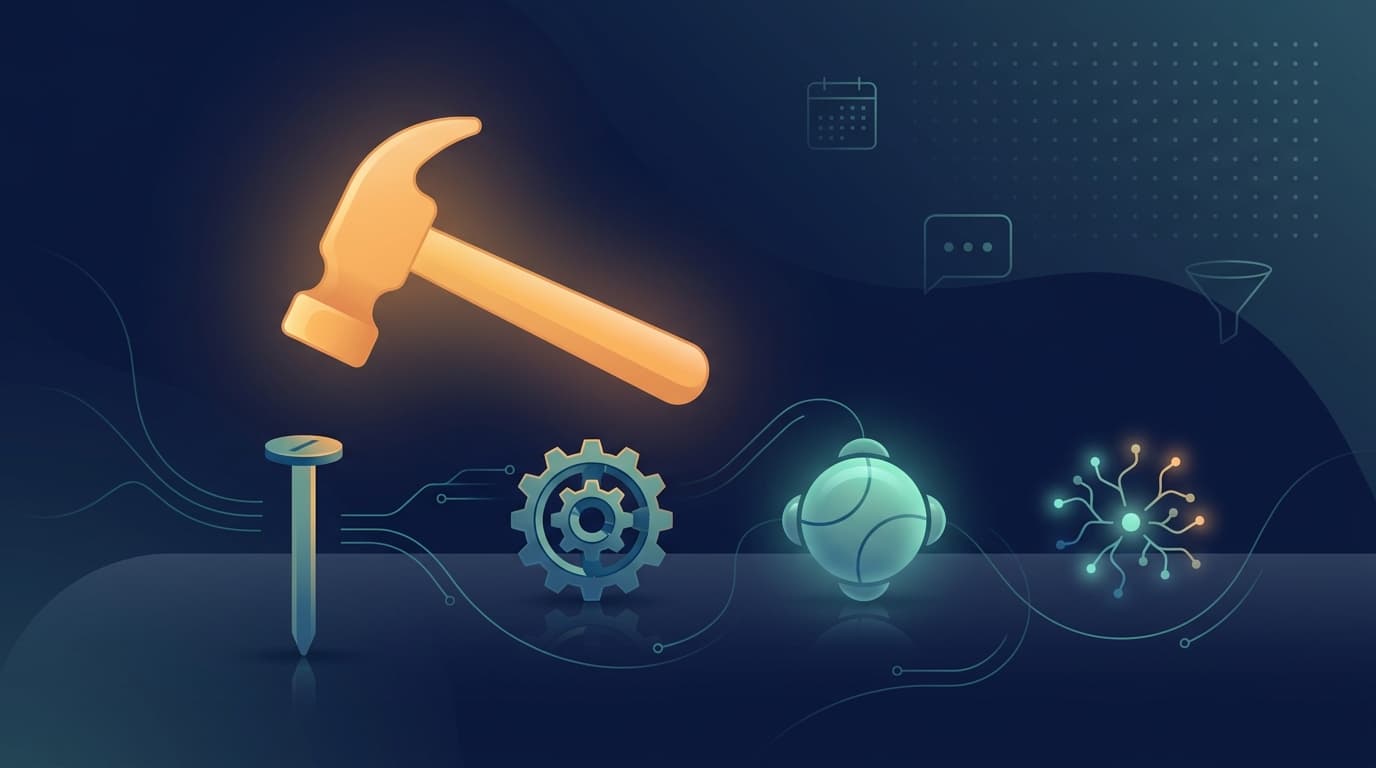
To a person with a hammer, everything looks like a nail.
AI agents are genuinely powerful — but they’re not the right fit for lots of day-to-day business automations, especially where you need:
- predictable outcomes
- easy debugging
- clear audit trails
- low running costs
- minimal maintenance
The goal isn’t to use the most fashionable technology. It’s to build the simplest system that delivers the outcome.
A quick glossary (plain English)
- Deterministic workflow (rules-based automation): A workflow where the same input reliably produces the same output. Examples: Make.com scenarios, Zapier Zaps, webhooks + filters, scheduled jobs.
- Event-driven orchestration: Systems that run tasks when an event happens (a new lead, a payment, a form submitted), often with retries and observability. Examples: Inngest, serverless functions with queues.
- AI agent (agentic automation): An AI system that can interpret messy inputs, decide what to do next, and take actions (often across tools). Examples: “Read this email thread and decide whether it’s a lead, then reply,” or “Summarise this PDF and extract fields.”
- Hybrid automation: Deterministic rails with AI used only where reasoning actually adds value.
Useful references: Inngest’s docs cover why durability features like retries + idempotency matter for reliable workflows (Inngest: Durable Execution). Make.com’s help centre covers retry/error-handler patterns for no-code workflows (Make: Retry error handler).
The comparison that matters (for small businesses)
Here’s how I think about the options when designing “invisible” automations for a small business.
| Criteria | Deterministic workflows | Event-driven orchestration | AI agents | Hybrid systems |
|---|---|---|---|---|
| Predictability | Excellent | Excellent | Variable | High (if rails are strong) |
| Flexibility | Medium | Medium–High | High | High |
| Debuggability | Excellent | Excellent | Harder (needs tooling) | Good |
| Observability (logs/retries) | Medium (tool-dependent) | Excellent | Medium | Good–Excellent |
| Risk profile | Low | Low–Medium | Medium–High | Medium |
| Cost to run | Low | Low–Medium | Medium–High | Medium |
| Maintenance | Low | Medium | Medium–High | Medium |
When a deterministic workflow is the best answer (most of the time)
Use deterministic workflows when:
- The rules are known Example: “If an enquiry form says ‘Urgent’, assign it to the owner and send an SMS.”
- You need consistent outputs Example: “Every lead must create a CRM record with the same fields.”
- Failures must be traceable Example: “If a step fails, we need to see exactly where and why.”
- It touches money, compliance, or customer comms Example: “Send invoices, update accounting, trigger reminders.”
Practical examples:
- Lead form → CRM contact + deal → task + follow-up email
- Xero paid invoice → mark job as active → schedule onboarding
- Booking scheduled → send confirmation + create internal checklist
When an AI agent is actually the right choice
Use an agent when you have unstructured inputs and the automation needs judgement.
Good fits:
- Interpreting messy emails (“Is this a real lead? What do they want?”)
- Summarising and extracting from documents (PDFs, proposals, SOWs)
- Triage and routing (“Which pipeline stage should this go to?”)
- Normalising human language into structured fields (“turn this message into a task list”)
But be honest about the risks:
- the same prompt can produce different outputs
- it can be hard to reproduce bugs
- you need guardrails to prevent wrong actions (especially outbound emails)
When event-driven orchestration beats “no-code”
If you’re starting simple, tools like Make.com can take you a long way.
But once automations become mission critical, event-driven orchestration can be better when you need:
- retries with backoff (and you can prove a thing happened exactly once)
- idempotency (the same event won’t create duplicates)
- version control (changes reviewed like code)
- audit-friendly logs
This is often the step from “automation project” to “automation system”.
If you want a deeper explanation of why “idempotency” and “replays” are so important in event-driven systems, Inngest has a good plain-English breakdown (Fault-tolerant event-driven systems).
The sweet spot: hybrid automation (deterministic rails + AI at decision points)
This is what I recommend most often.
Design pattern:
- Deterministic intake (capture every event reliably)
- AI judgement step (only where necessary)
- Deterministic execution (write the results back and trigger the next steps)
Example: lead triage from email
- Deterministic: watch inbox for new enquiries
- AI: classify the enquiry, extract key details
- Deterministic: create/update CRM record, assign owner, schedule follow-up
This gives you:
- reliability where it matters
- AI flexibility where it helps
- debuggable steps end-to-end
A simple decision framework (copy/paste checklist)
Ask these questions:
- Are the rules clear and stable?
- Yes → deterministic workflow
- No → consider AI or hybrid
- What’s the cost of a wrong action?
- High (money, legal, customer trust) → deterministic rails required
- Do we need an audit trail?
- Yes → deterministic or orchestration (or hybrid with logging)
- Is the input unstructured (emails, PDFs, free text)?
- Yes → AI is useful (but keep it bounded)
- Do we need retries/idempotency/SLAs?
- Yes → orchestration or well-designed deterministic tooling
Common mistakes (and how to avoid them)
- Mistake: using an agent to do “CRUD” work (create/update records, move stages) Fix: keep that deterministic; let AI produce a structured payload only.
- Mistake: letting AI send customer emails without guardrails Fix: draft only, or human approval, or strict templates.
- Mistake: no logging Fix: make every automation observable and testable.
- Mistake: optimising for “cool” instead of “simple” Fix: choose the smallest system that works.
What this means for Peregrine-style “invisible automation”
At Peregrine Automations, we build systems that feel hands-off for the client — but under the hood they’re designed to be:
- reliable
- maintainable
- easy to support
- cost-effective to run
AI is part of that toolkit. It’s just not the whole toolkit.
If you’re not sure what your business needs, the fastest way to get clarity is to map the admin workload and identify where rules are stable vs. where judgement is needed.
If you want, you can book an Automation Audit and we’ll map your workflows and recommend the right mix — deterministic, orchestration, AI, or hybrid — to get the time back without building a fragile mess.
Matt Sullivan, Founder, Peregrine Automations.