Peregrine field notes
AI receptionist software vs a done-for-you service: what Australian businesses actually get (Reception.ai compared)
Self-serve AI receptionist software vs a done-for-you service: pricing models, privacy defaults, and which fits which Australian business.
TL;DR (quick answer)
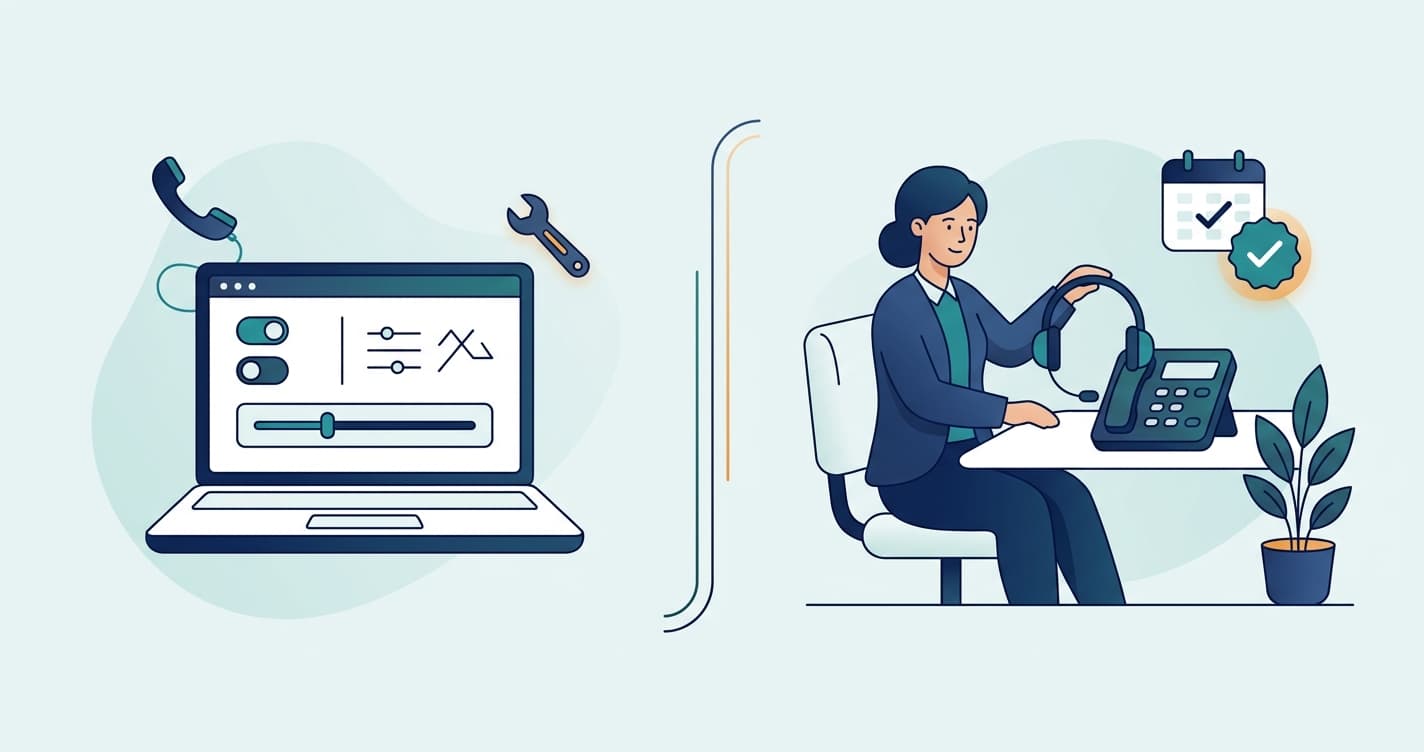
Reception.ai is self‑serve AI receptionist software: you sign up, configure it yourself, and pay based on included phone minutes/credits (with per‑minute overage). A done‑for‑you service is a managed implementation: you pay for someone to design, build, test, and maintain the receptionist around your real-world call flows, privacy requirements, and integrations — and you get ongoing support when things change.
If you like tinkering and you mostly need “answer + basic booking”, Reception.ai can be a great fit. If you want it to just work (with less risk of missed edge cases, privacy settings in writing, and fewer internal hours spent configuring), a done‑for‑you approach usually wins for Australian SMEs.
The stakes behind the choice: a US study monitoring 85 small businesses across 58 industries over 30 days found that 62% of inbound calls to small businesses go unanswered, and 85% of those callers never call back (USA Today research brief, citing 411 Locals and the Numa Small Business Phone Report). Whichever option you pick, the expensive choice is leaving calls unanswered.
What you’re actually comparing (two different categories)
A lot of “AI receptionist” comparisons become unhelpful because they assume there’s one best tool. In practice, you’re choosing between:
- Software subscription (DIY): you (or a staff member) owns setup, testing, updates, and troubleshooting.
- Done‑for‑you service: a specialist team owns delivery and ongoing performance, while you approve the brief and outcomes.
They can both be “AI receptionist”, but they’re not the same product.
Reception.ai (ElevenLabs) in plain English
Reception.ai is an AI receptionist product (by ElevenLabs) that can answer calls, summarise what happened, and handle common workflows like scheduling/booking. You choose a plan based on minutes/credits and concurrency, then configure knowledge sources and rules.
Reception.ai’s public pricing highlights:
- Basic: 75 phone minutes/month, 1 call at a time, $0.45/min overage, USD (plus tax)
- Plus: 275 phone minutes/month, up to 3 calls at once, $0.38/min overage, USD (plus tax)
- Premium: 1,000 phone minutes/month, up to 10 calls at once, $0.30/min overage, USD (plus tax) (Source: https://www.reception.ai/pricing and ElevenLabs docs: https://elevenlabs.io/docs/reception-ai/billing/plans-and-pricing)
Australian budgeting note: those prices are in USD and typically quoted “plus tax”. For an Australian business, the real monthly cost can move with the exchange rate (and your bank/card fees), and you may need to account for GST depending on how the supplier bills you. If predictability matters, it’s worth modelling your quiet vs peak call volumes and what overage looks like in AUD month to month.
If you run a busy service business, concurrency and overage are usually the two lines that matter most.
Side-by-side: Reception.ai vs done‑for‑you AI receptionist (Australia)
| What matters | Reception.ai (self‑serve software) | Done‑for‑you service (managed build) |
|---|---|---|
| Who does the setup | You | We do it with you (brief → build → test) |
| How pricing works | Subscription + included minutes/credits + overage per minute | Typically a predictable monthly service fee (often with a defined allowance and clear boundaries) |
| Your internal time cost | Higher (someone needs to configure, test, iterate) | Lower (you review outcomes, not settings) |
| Concurrency (multiple callers at once) | Depends on plan | Designed to match your call volume and peak times |
| Edge cases (missed calls, wrong routing, unusual questions) | You’re on the hook to find/fix | Managed: ongoing tuning and QA |
| Integrations (CRM, booking, email/SMS follow-up) | Possible (depends on your stack + setup) | Built and maintained for your stack and workflows |
| Privacy posture | Defaults depend on the product and your configuration | Written, agreed configuration and retention settings as part of delivery |
| Best for | Operators who want control and don’t mind tinkering | Businesses that want results without owning the tooling |
The 6 questions to ask before you choose
1) How much admin time do you want to spend “owning” the receptionist?
Even a good AI receptionist needs:
- a clean knowledge base
- defined call rules
- scripts for edge cases (pricing questions, emergencies, cancellations, “can you just text me that?”)
- acceptance testing (what happens when a caller speaks fast, has a thick accent, changes details mid-call, calls after hours, etc.)
If you have someone who enjoys this and has time, DIY can work. If not, done‑for‑you is usually cheaper in total cost, even if the monthly line item is higher.
For context, the benchmark both options undercut is a human receptionist: the average receptionist salary in Australia is A$60,000-A$70,000 a year (SEEK, 2026), before super, leave loading, and the hours one person physically can't cover (nights, weekends, lunch breaks, sick days). Even a fully managed AI receptionist service costs a small fraction of that, so the real decision is who owns setup and maintenance, not whether the maths works.
2) Are you okay with metered usage (minutes/credits + overage)?
A per‑minute overage model can be totally fair — but it can also recreate the “surprise invoice” feeling many SMEs already dislike.
If your call volume swings (seasonal trades, promotions, staff holidays), predictability matters. The right model is the one that matches how you budget.
3) What happens at peak time, and what does a missed call cost you?
If you get:
- multiple calls at once
- call spikes after Facebook ads
- lunch-time rushes
- after-hours enquiries
…you should treat concurrency and overflow behaviour as “core features”, not footnotes.
4) Do you need real integration, or “a booking link” is enough?
Some businesses just need:
- answer basic questions
- collect a message
- book an appointment
Others need:
- create/update leads in a CRM
- tag the lead source
- trigger an SMS follow-up
- notify the right person based on service, suburb, or urgency
- sync with Xero/MYOB job numbers or quoting flows
If you’re in the second camp, the tool is only half the job — the workflow design is the other half.
5) What’s your risk tolerance for privacy and data retention?
If your receptionist handles:
- personal data (addresses, dates of birth, medical info)
- sensitive business info (pricing, margins, internal processes)
…you’ll want clarity on:
- what’s stored (recordings, transcripts)
- how long it’s retained
- who can access it
- what happens when you cancel
DIY tools can be fine — but you need the discipline to set and maintain the configuration.
6) Who will maintain it when your business changes?
Your receptionist changes when:
- staff rosters change
- prices change
- services change
- you add a new location
- your booking rules change
DIY works best when ongoing upkeep is someone’s explicit responsibility. Done‑for‑you works when you want a partner to keep it accurate.
Common “fit” examples (so you can self-select)
Reception.ai is often a good fit if…
- you want to start quickly and iterate yourself
- you have straightforward call flows (message taking + basic bookings)
- you’re comfortable with minutes/credits pricing
- you have someone in-house who can own setup and ongoing tweaks
A done‑for‑you AI receptionist is often a better fit if…
- you want a reliable receptionist without “project managing” the tool
- you need routing rules, escalation paths, or multi-step workflows
- you need integrations across your existing tools
- you want privacy/retention defaults agreed up front and reviewed over time
- you’re short on internal time (which is most SMEs I’ve worked with)
A practical decision checklist (copy/paste)
If you can’t tick at least 4–5 of those confidently, I’d treat “DIY software” as higher-risk until someone does the discovery work.
Sources
- Reception.ai pricing and ElevenLabs: plans and pricing - plan minutes, concurrency, and overage rates referenced above
- The $126,000 Leak: new missed-calls research brief (USA Today) - citing the 411 Locals 30-day study (85 businesses, 58 industries) and the Numa Small Business Phone Report
- Receptionist salary in Australia (SEEK, 2026)
Next step (Peregrine)
If you want a managed AI receptionist that fits an Australian small business (and doesn’t turn into another half‑finished internal project), we can help you scope it properly and design the workflows around your existing tools.
- Book an Automation Audit via our contact page: https://www.peregrineautomations.com.au/contact
- See the AI Receptionist service page (pricing & inclusions): https://www.peregrineautomations.com.au/services/ai-receptionist
- Or use the ROI calculator to sanity-check whether automating call handling makes financial sense for your volume (we can help you model it).
Matt Sullivan, Founder, Peregrine Automations.